Core Platform
Forum & Feed
The foundation of the network — organized discussions, a customizable feed, and the tools to follow what matters most to you.
How It Works
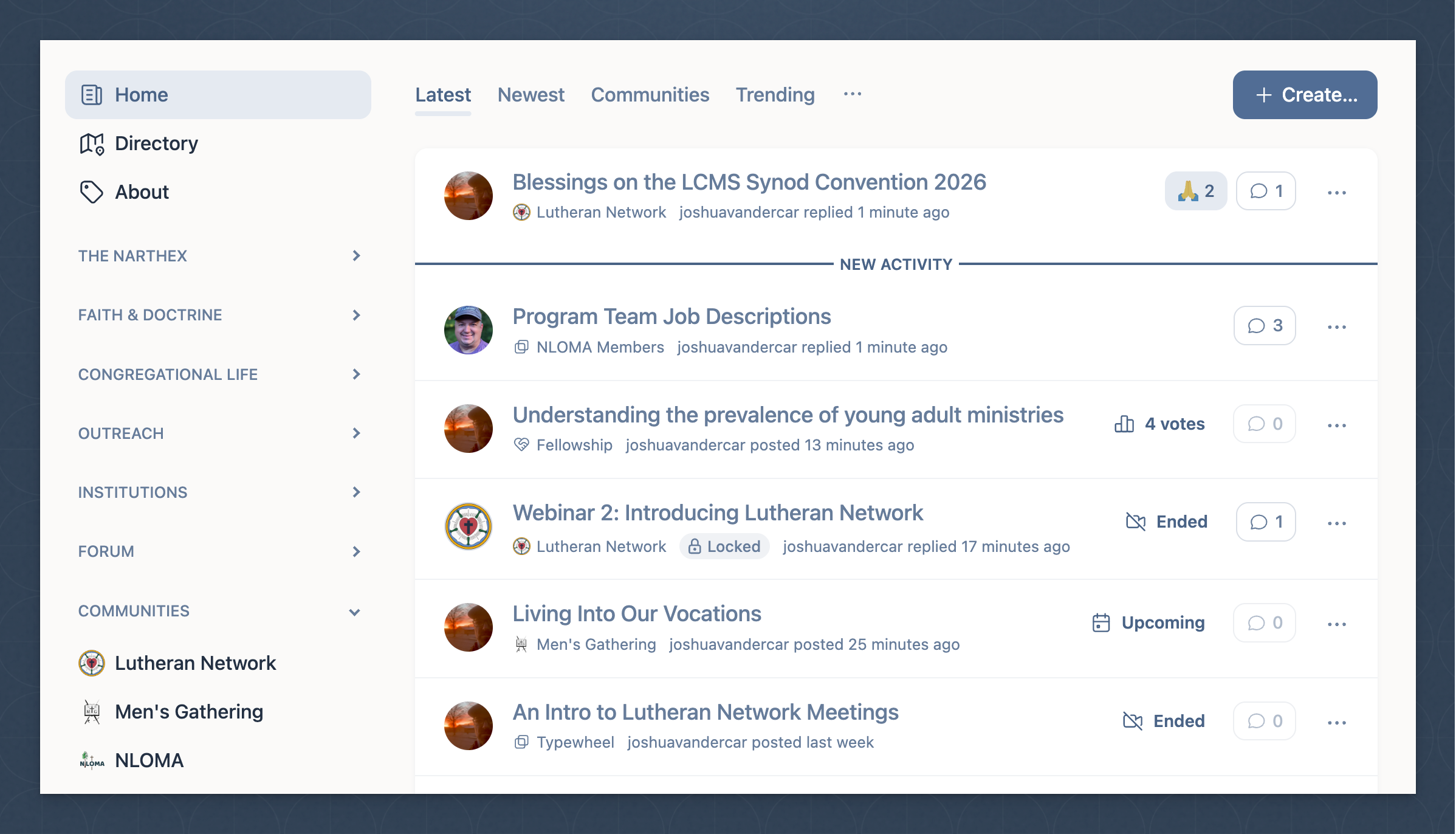
Discussions are organized into topical channels that you can follow or unfollow. All your followed channels and communities feed into a single primary feed — one place to see everything happening across the network.
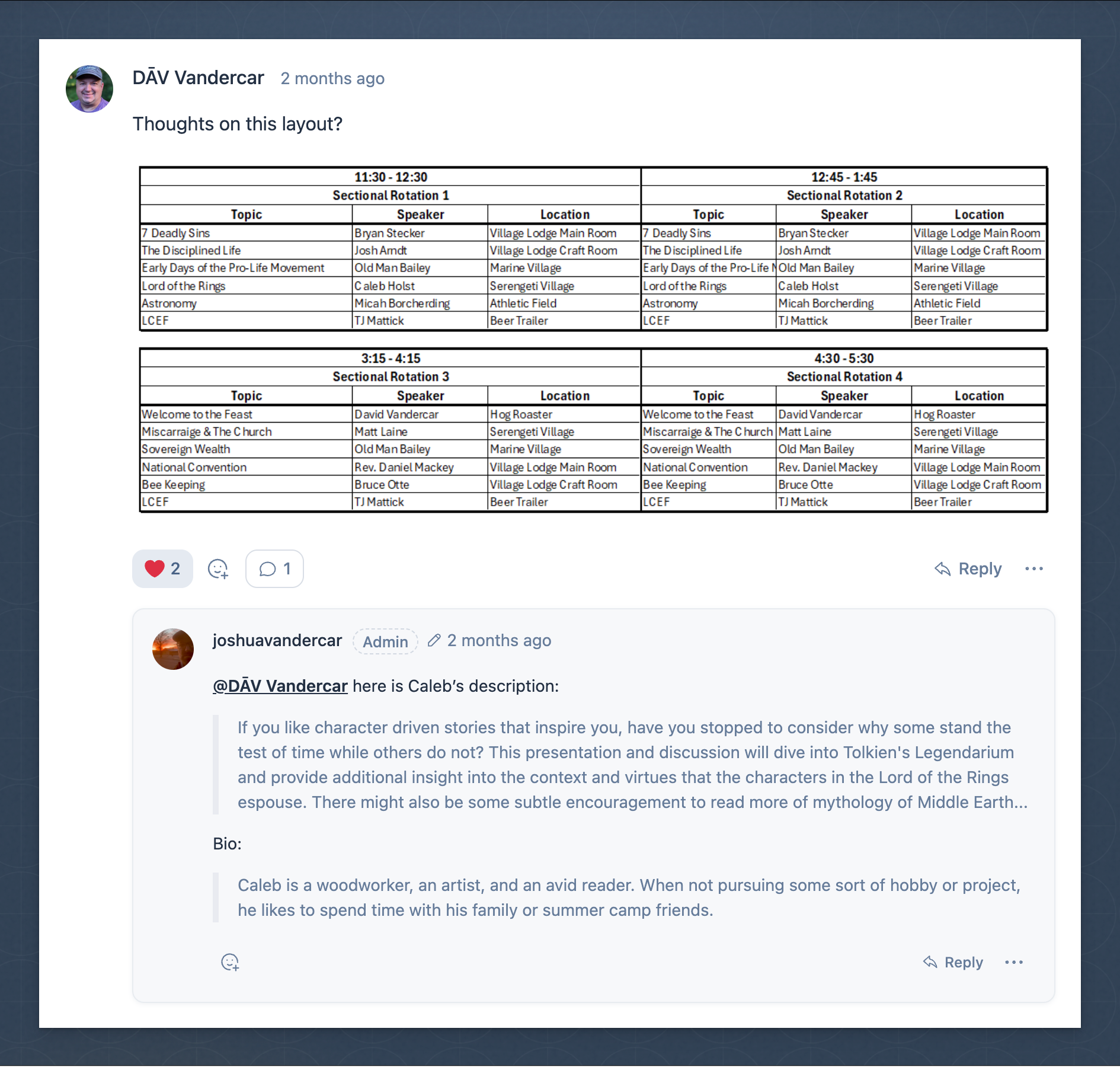
Every discussion supports threaded commenting with roll/unroll functionality, so you can choose how deep into a conversation you want to go. Replies stay organized and easy to follow even as threads grow.
- Account with username, profile page & notifications
- Topical channels — follow or unfollow any channel
- Primary feed aggregating all followed content
- Threaded discussions with rollable/unrollable comments
- File uploads for sharing resources
- Embedded media from links (rich link previews)
- Customizable feed — see only what matters most
Organization
Communities & Groups
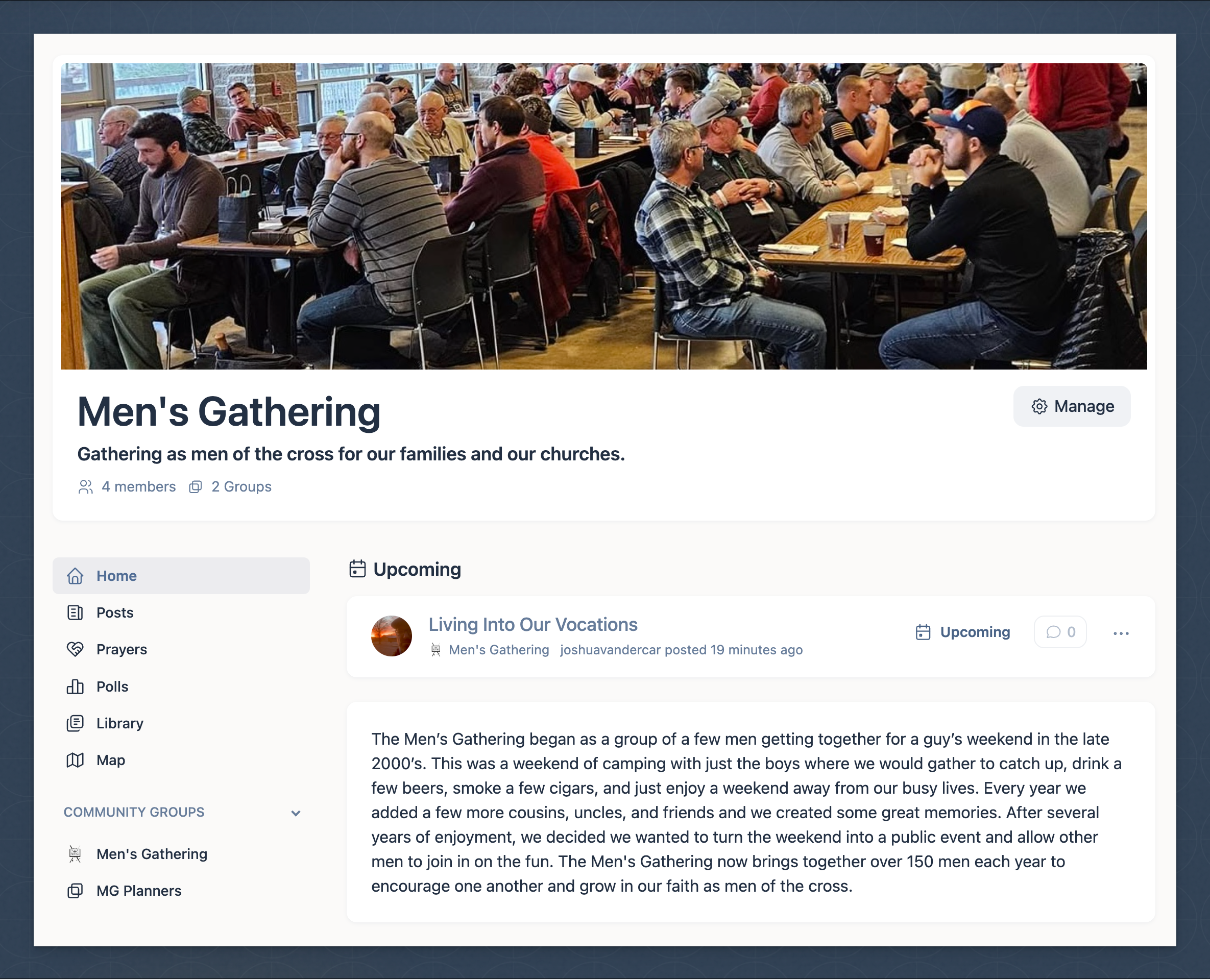
Purpose-built spaces for congregations, schools, districts, and ministry organizations to gather, communicate, and grow together.
Two Community Types
Dedicated communities are invite-only spaces for established congregations, schools, and ministry organizations — secure and private by default.
Open communities are listed in the network directory and open for any member to join — ideal for districts, podcasts, and synod-wide initiatives.
- Multiple group channels within each community
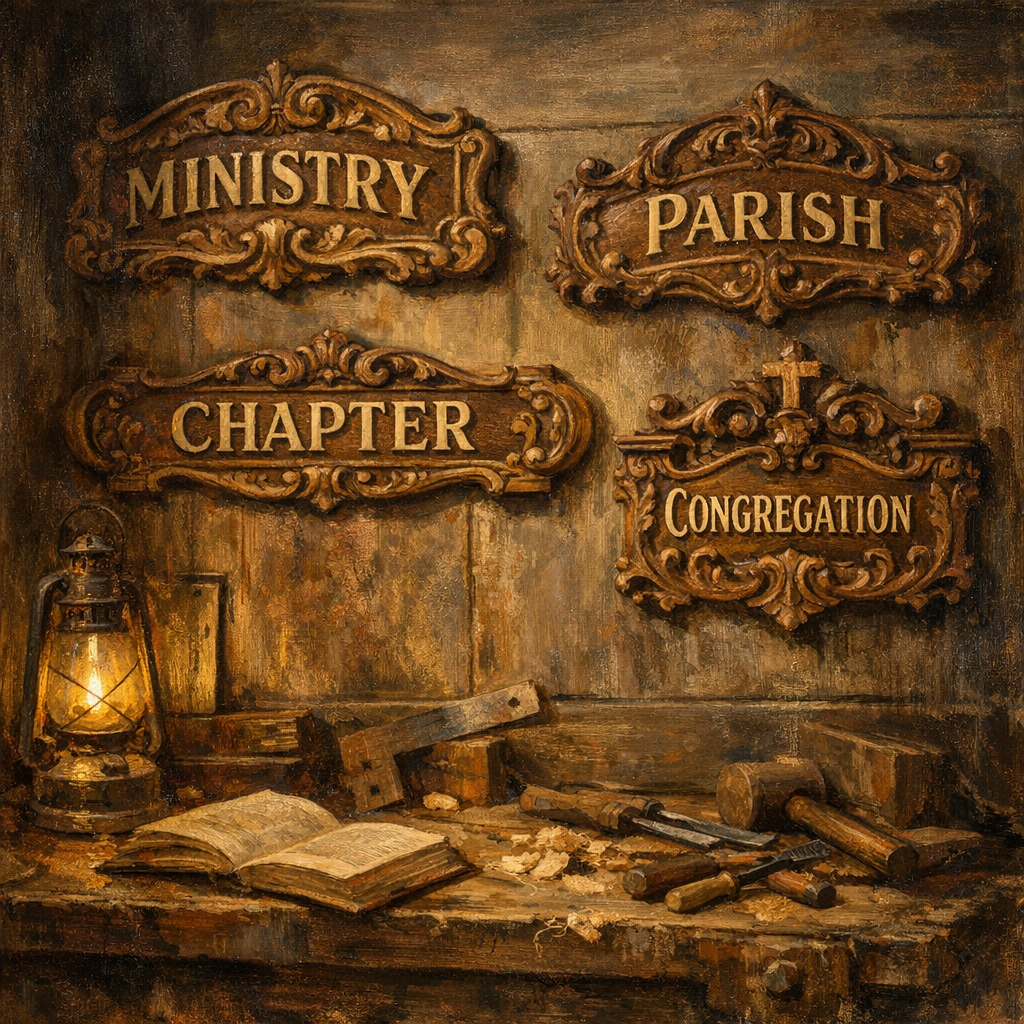
- Configurable group types: ministry, congregation, parish, chapter, fraternity, department
- Variable-visibility community landing page with banner & org logo
- Community and group-level discussion library
- Moderation privileges for community owners
- Suspension, upgrade/downgrade, and cancellation management
- Geographic tagging — geocoded on directory map
Full Communities Guide →
Live Communication
Video Meetings & Presentations
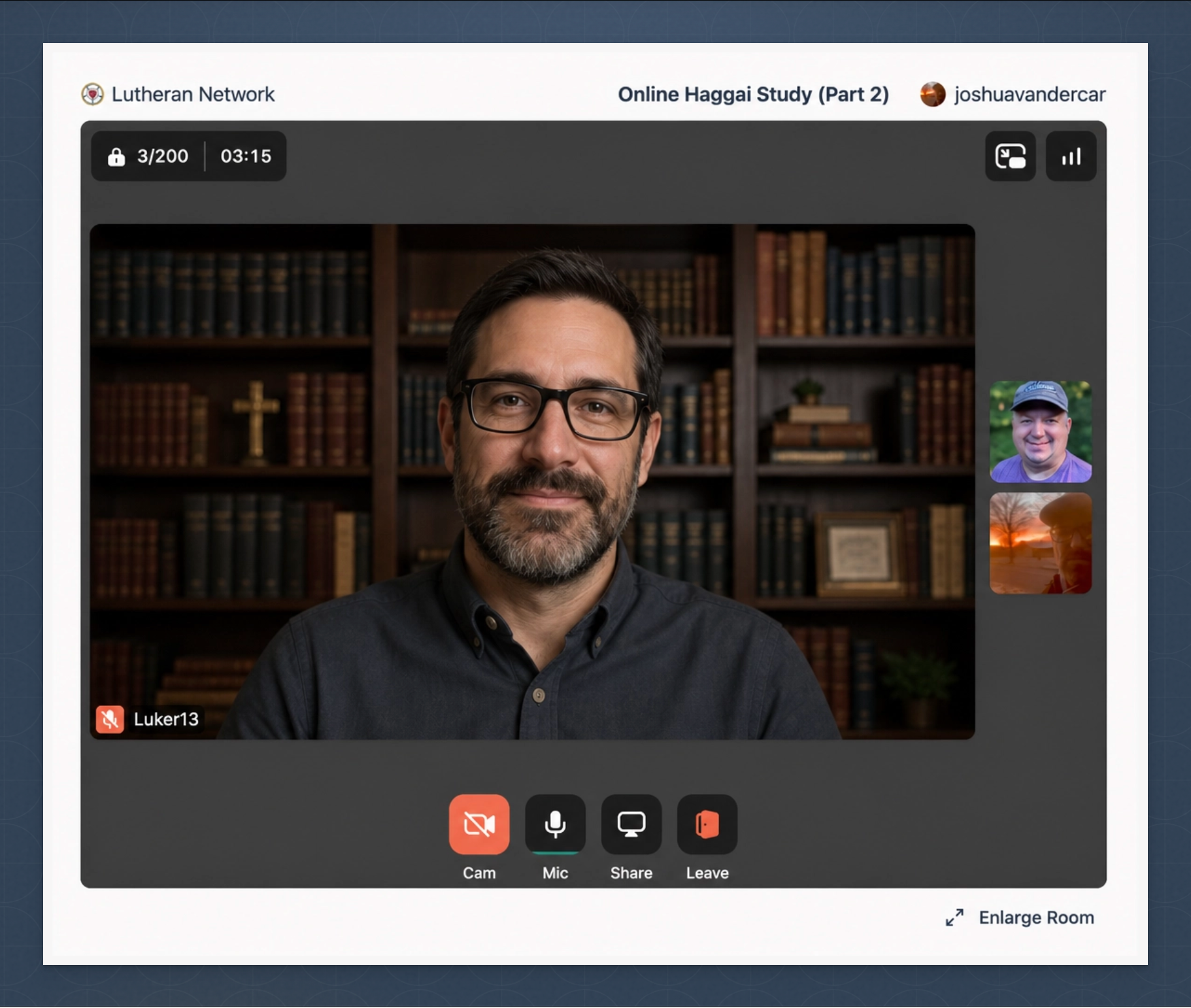
Host meetings, Bible studies, services, and presentations — all within the network, with separate links for every role.
Meetings & Presentations
Every community supports full video capabilities with granular role-based access. Generate separate shareable links for hosts, presenters, participants, and viewers.
- Video chat meetings — up to 200 participants
- Presentations — up to 600 viewers
- Separate links for hosts, presenters, participants, and viewers
- Per-community permission settings on who can initiate
- Record and embed video of meetings & presentations New
- Text transcription of meetings & presentations New
- AI-generated session summary from recorded transcript — free, requires transcription New
- Recording and transcription minutes purchased per subscription
Usage-Based Pricing
Video minutes: ½¢/min
Recording minutes: 2¢/min
Transcription minutes: 1¢/min
AI session summaries: free (requires transcription)
Purchase the minutes your community needs — scale up or down any time.
Community Content
Prayers, Events & Polls
Rich content types beyond discussion — designed to support the rhythms of parish and community life.
Prayers
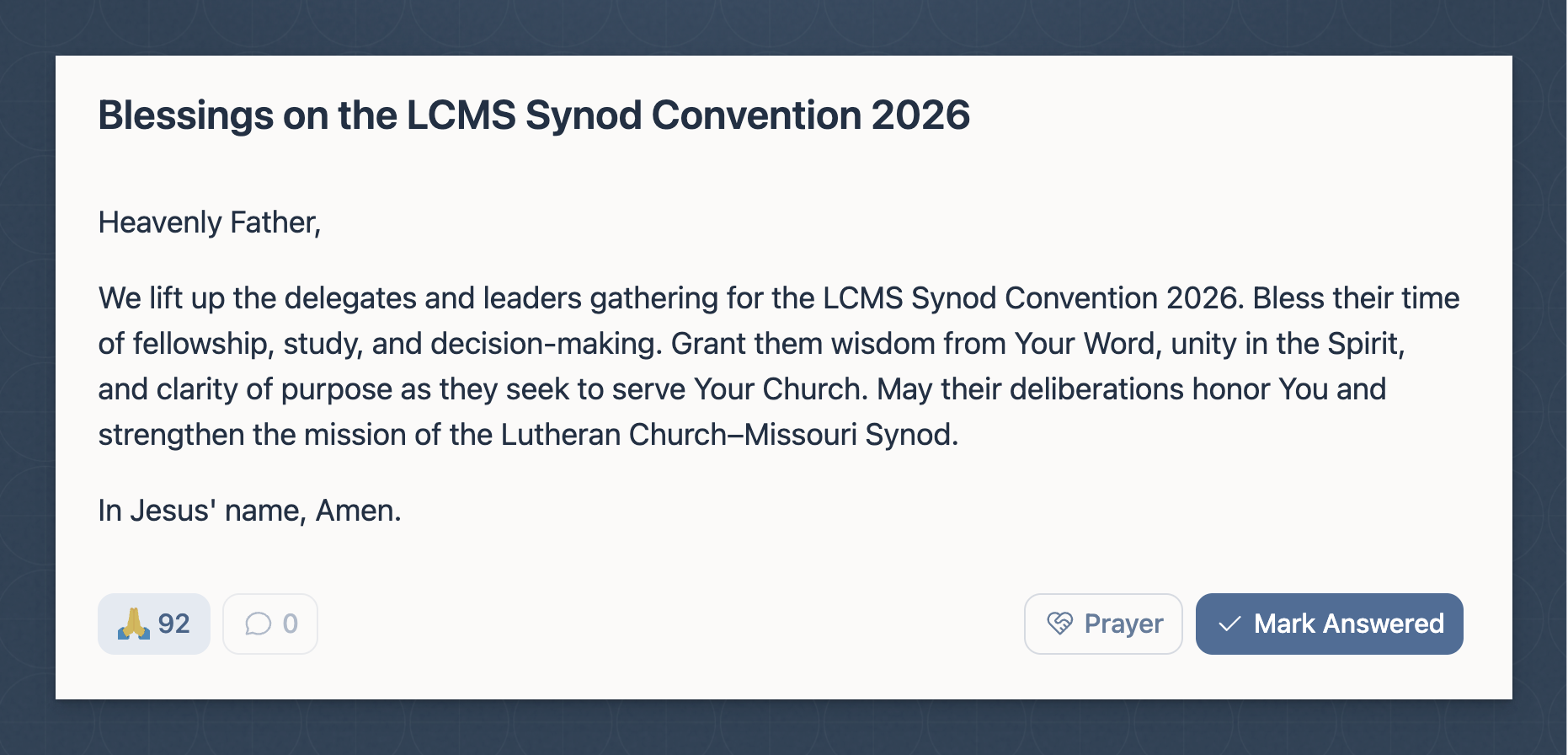
Post prayer requests for others to see. Members can signal they are praying for a request. Mark prayers as answered to share God's faithfulness with the community.
Events
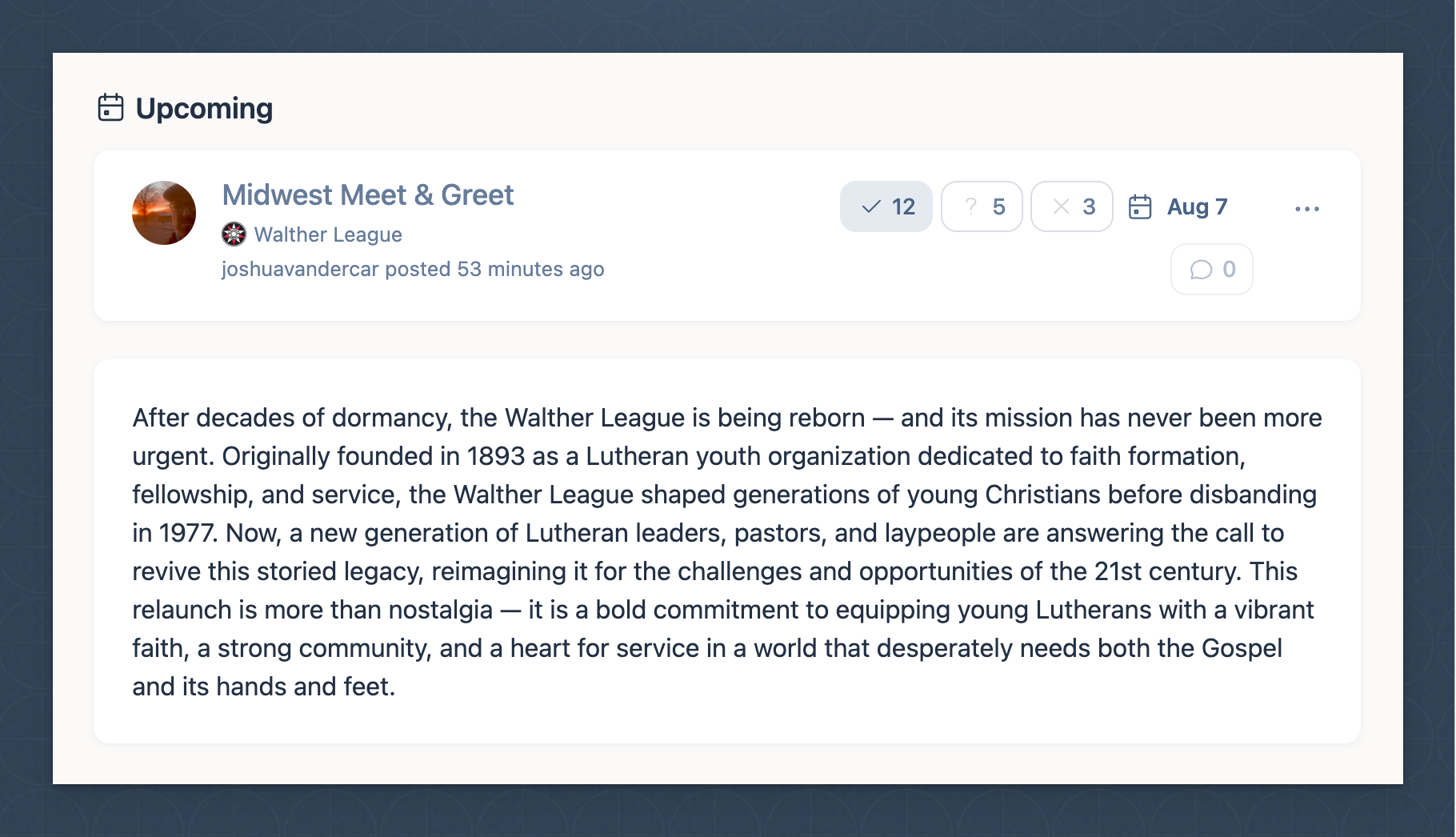
Create events with date and location. Events can be geographically located on the community map or linked to a network video meeting or presentation. Track attendance.
Polls
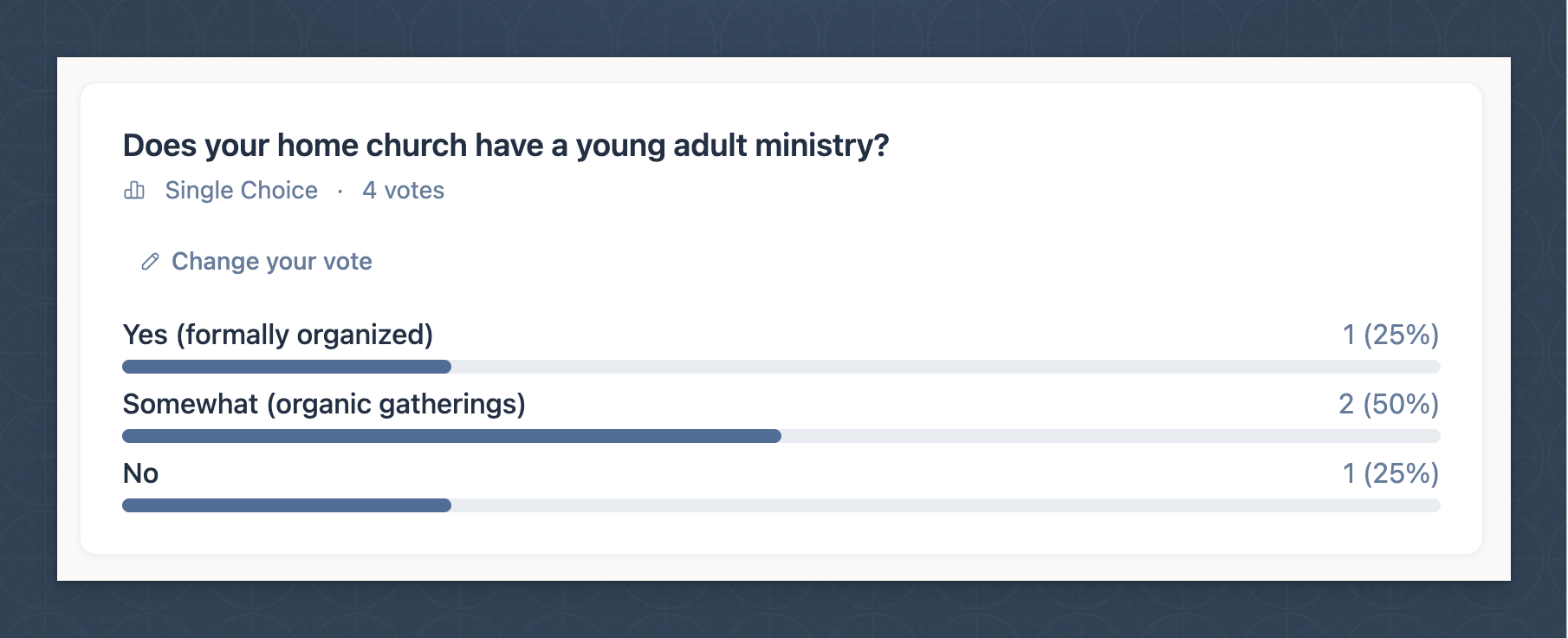
Run polls with four question types: single choice, multiple choice, rating, and ranking. Results are visualized automatically for the community to see.
Note: Prayers are available in all communities. Events and polls can be enabled or disabled per community group channel.
Discovery
Directory & Map
Find Lutheran congregations, organizations, and communities — by name, type, or location on an interactive map.
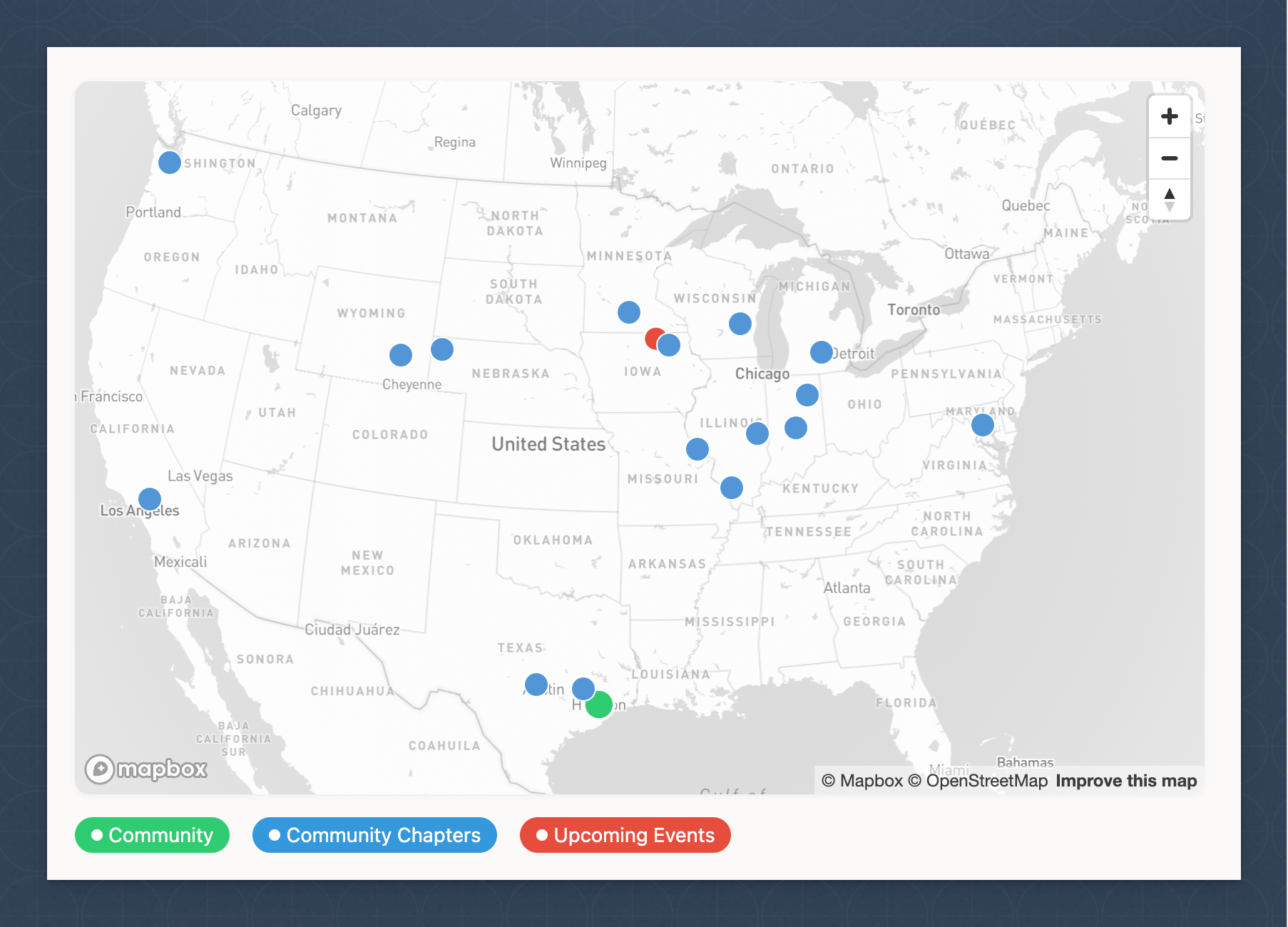
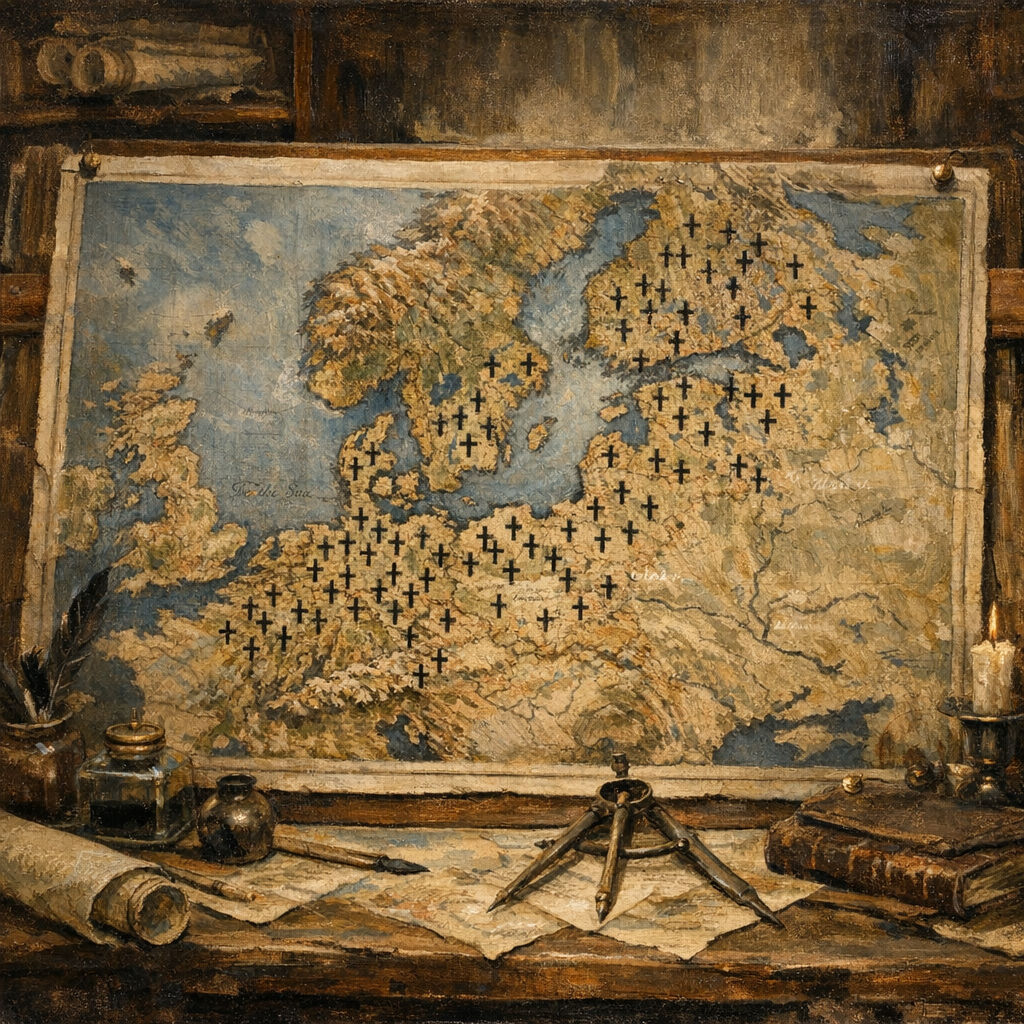
Communities and community groups can optionally be geographically tagged, placing them on a searchable network-wide directory map. Find who's near you, discover sister congregations, or locate a community by region.
- Network-wide directory map with geocoded communities
- Community-level map showing groups and events
- Directory-listed open communities for public discovery
- Directory Listing seats available per subscription ($25/seat/mo)
- Events located geographically on the community map